Photogrammetry, is a technique that uses photographs to measure and interpret features, ultimately producing maps and 3D models. It’s kind of like giving eyes to a computer and teaching it to understand depth and dimensions from flat images.
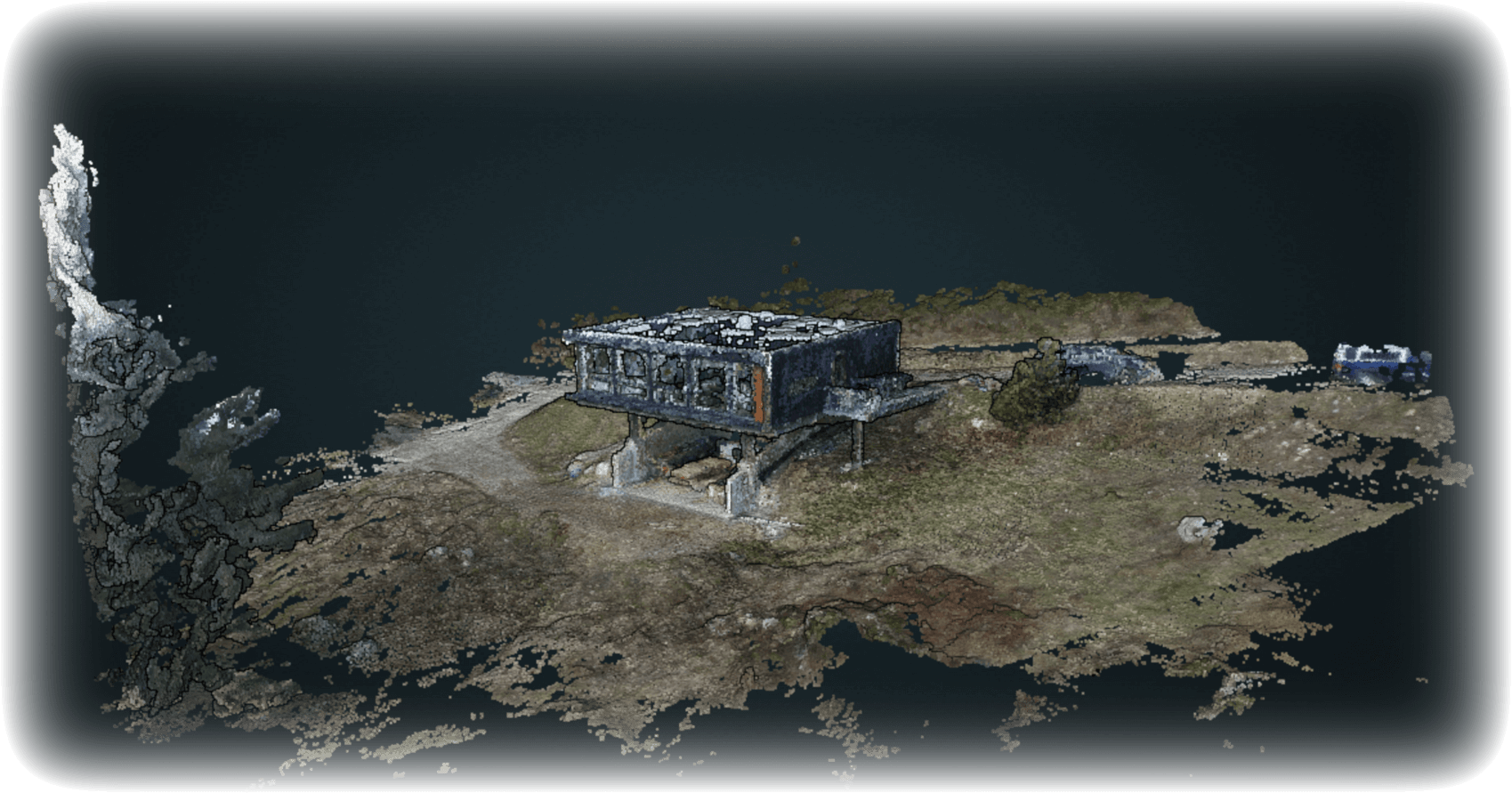
Let’s start with the basics: Photogrammetry involves taking a series of overlapping photos of an object or land from different angles and using software to stitch these images together into a 3D model. The underlying algorithms are where the real magic happens; all these images are analyzed to deduce the depth and dimensions, mimicking how our two eyes work together to perceive depth.
I use WebODM — it’s an open-source platform that works incredibly well at both processing and organizing your photogammetry attempts. It’s part of the larger OpenDroneMap project, and what I love about it is how it democratizes photogrammetry. You don’t need expensive, proprietary software; just a decent drone (or even handheld camera), WebODM, and some patience. You can find it on GitHub and it’s very straightforward to set up and get running.
Here’s how I did it: creating two separate 3D models, one of my house and another of the surrounding forrest. First things first, I needed a bunch of photos. I used a drone to capture aerial shots, which is perfect for getting those, overlapping images needed for a good 3D model. You fly the drone in a grid pattern over your property, ensuring complete coverage with plenty of overlap between photos. For the house, I took closer, more detailed shots by circling around at various altitudes.
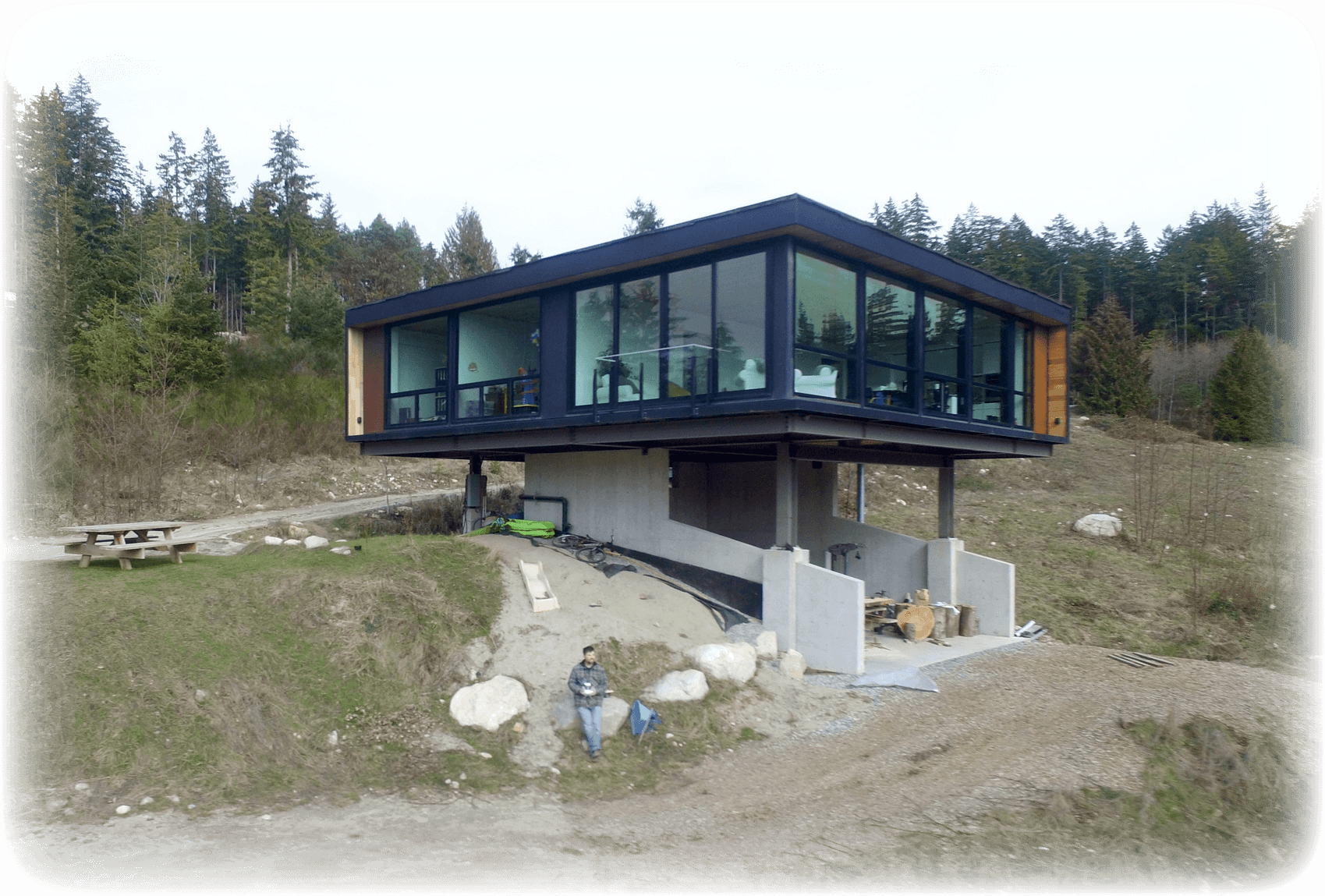
Once you have all the photos, upload them to WebODM. The upload process is pretty intuitive—just drag and drop. In WebODM, I created a new task for each model, one for the house and one for the acreage, tagging each set of photos accordingly. The software then goes to work, processing the images. This involves a lot of complex computations, aligning the images, and figuring out where each pixel in each image relates to in 3D space.
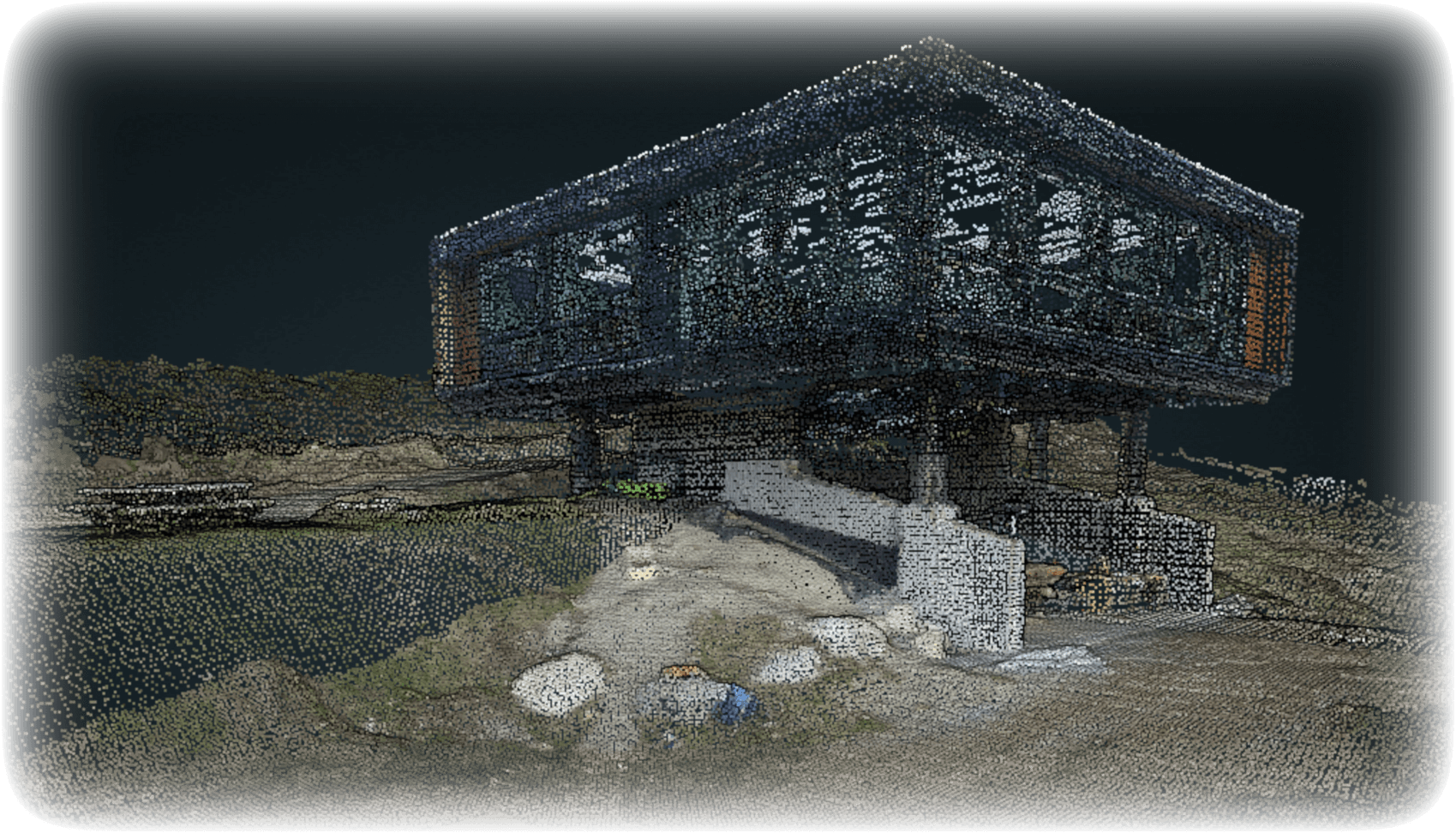
After a bit of processing time (grab a coffee or something because it can take a while depending on your computer and the number of images), you have your models. WebODM provided me with point clouds for each model—basically, a set of data points in space that represent the surface of the objects I photographed. These point clouds can be quite dense, especially if you’ve taken a lot of high-resolution images.
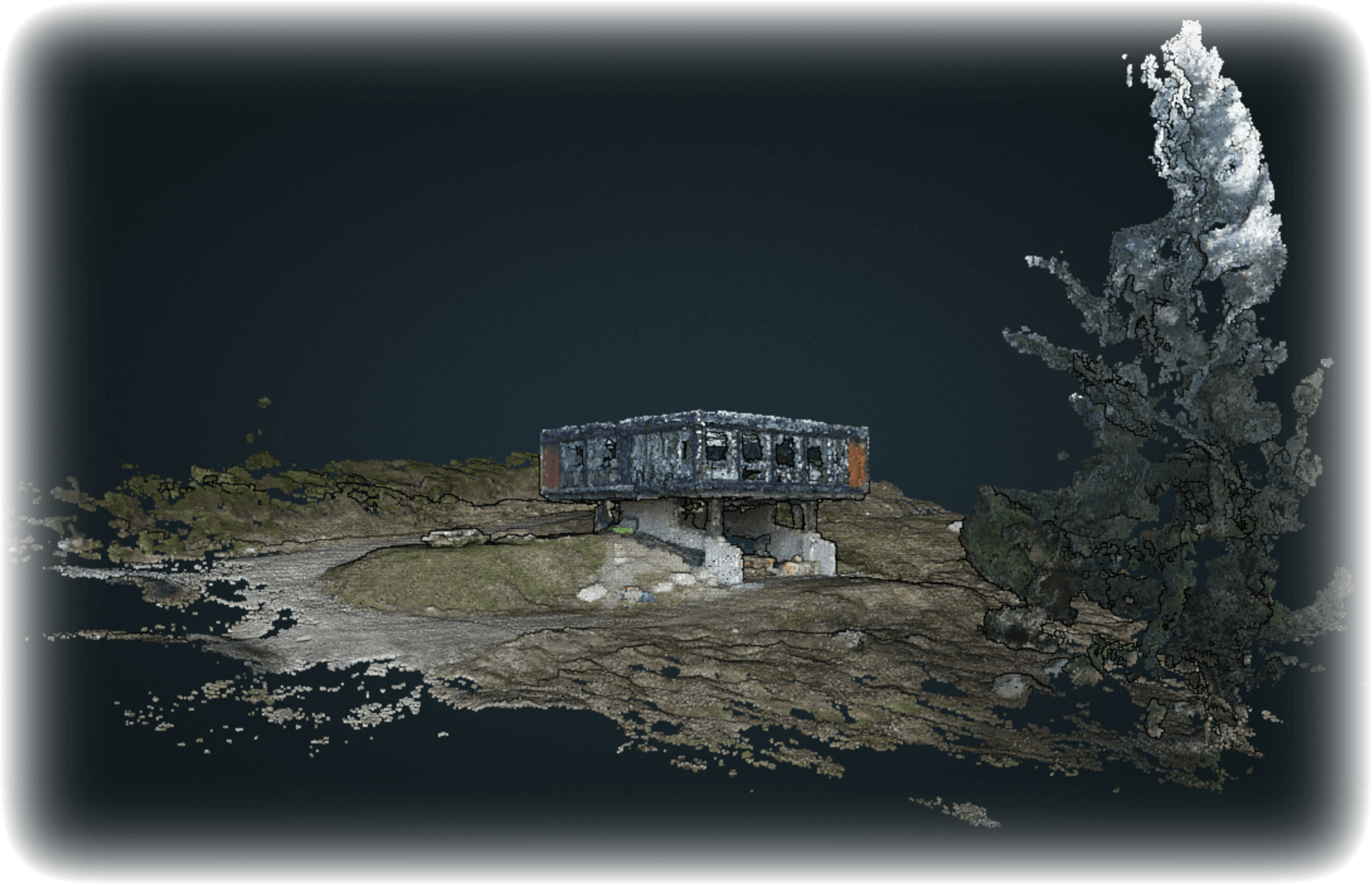
The final step was turning these point clouds into a more tangible 3D model. WebODM has tools to mesh these points together, creating a navigable 3D model that you can zoom in and out of, rotate, and really explore. The level of detail was impressive—on the forrest model, I could make out individual trees and paths; the house model was detailed enough to show architectural features like window frames and support beams.
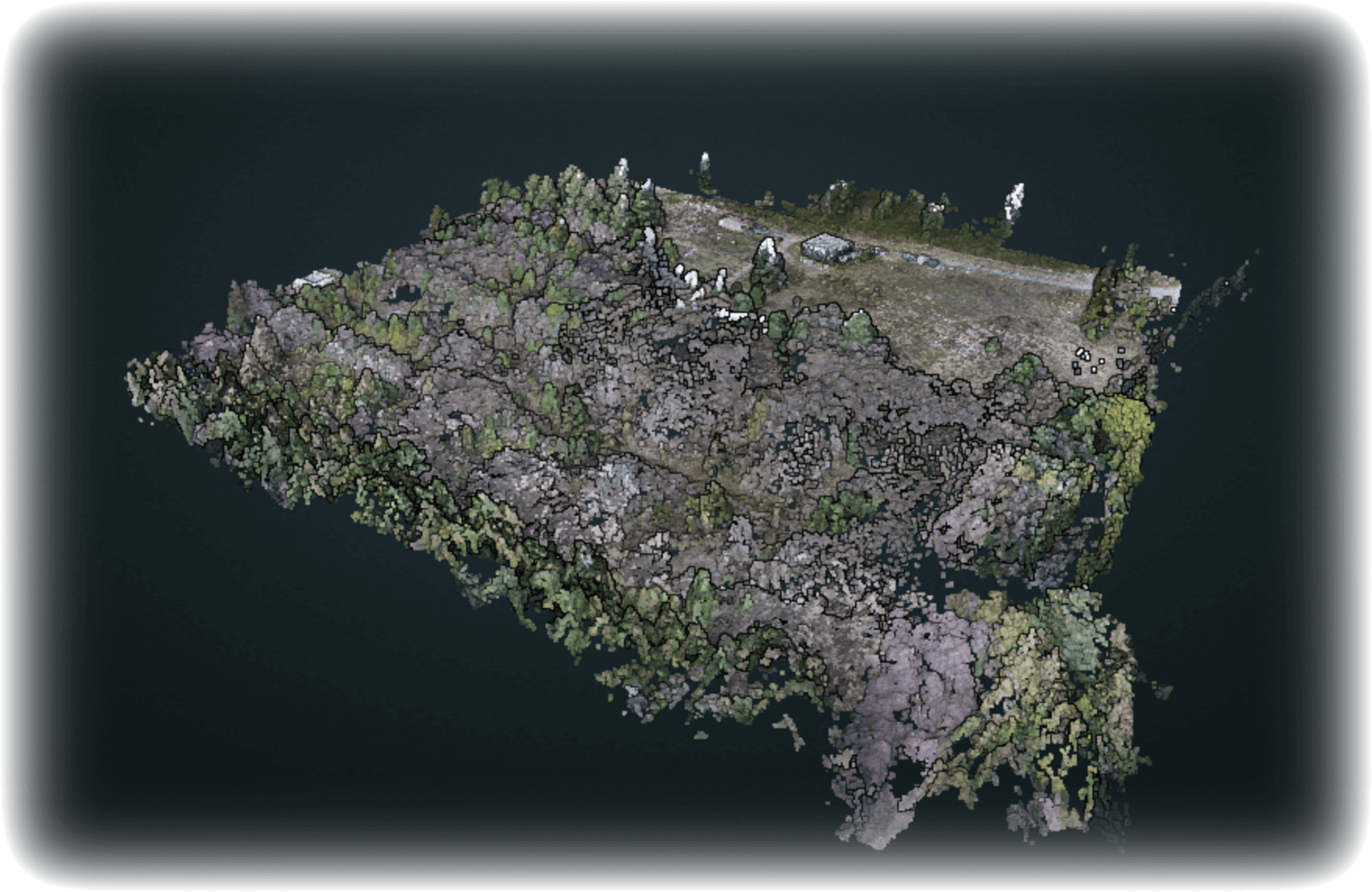
And there you have it! The whole process is a great way to virtually explore and document my property in incredible detail, all from drone photos. Photogrammetry with WebODM is a powerful tool for anyone interested in mapping or 3D modeling, from hobbyists to professionals, and I highly recommend giving it a shot if you’re into DIY tech projects or just want to render the real world as a 3D model.
Thanks for reading this,
Mike
 Site generated by